Spritefold: sprite pack converter for RPG Maker MV/MZ
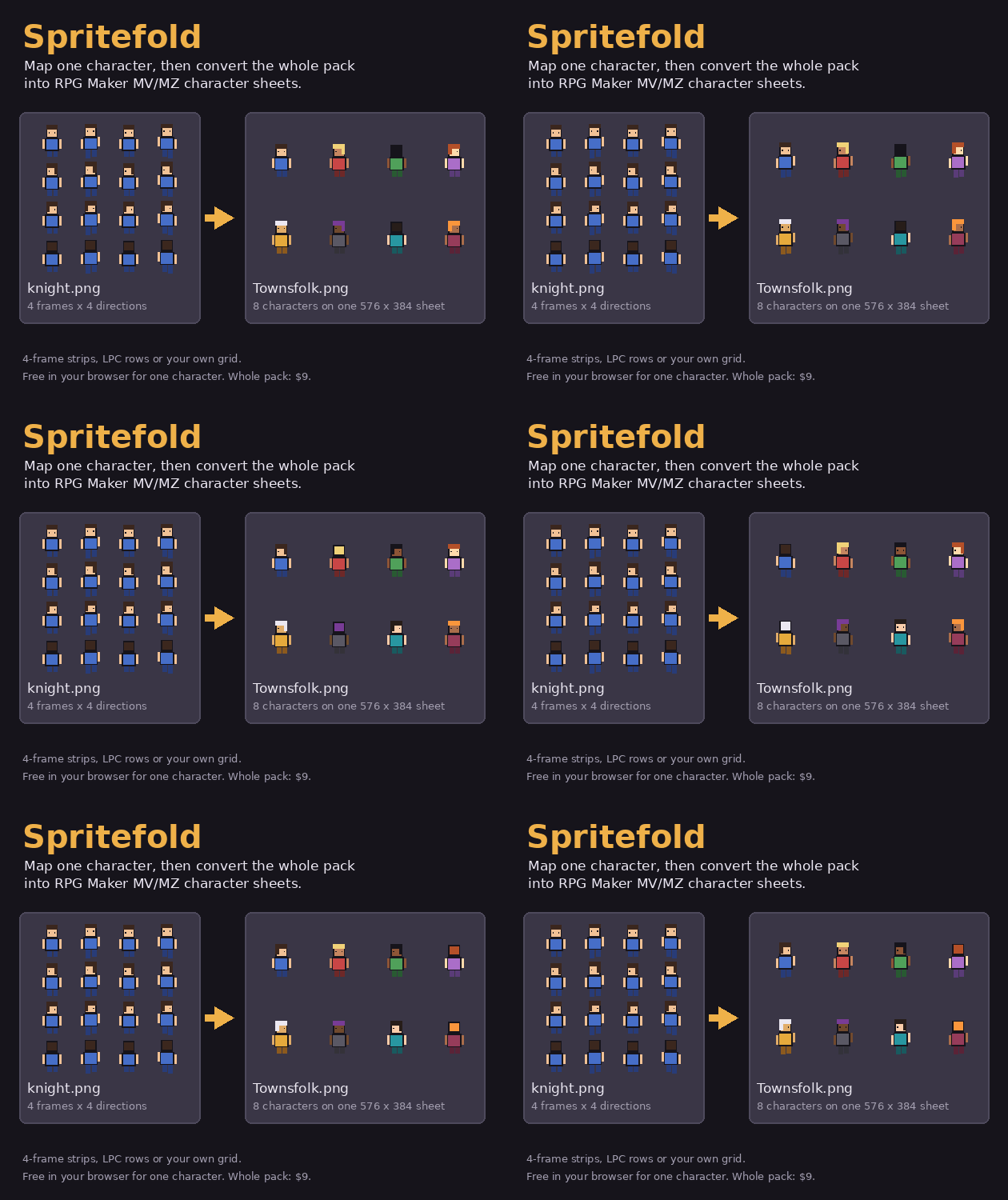
You found a character pack you like, and it's laid out in 4-frame walk strips, or LPC rows, or one file per character. RPG Maker wants each character as 3 frames by 4 directions, up to eight on one sheet. Spritefold does that rearranging.
How it works
- Drop your sprite files in.
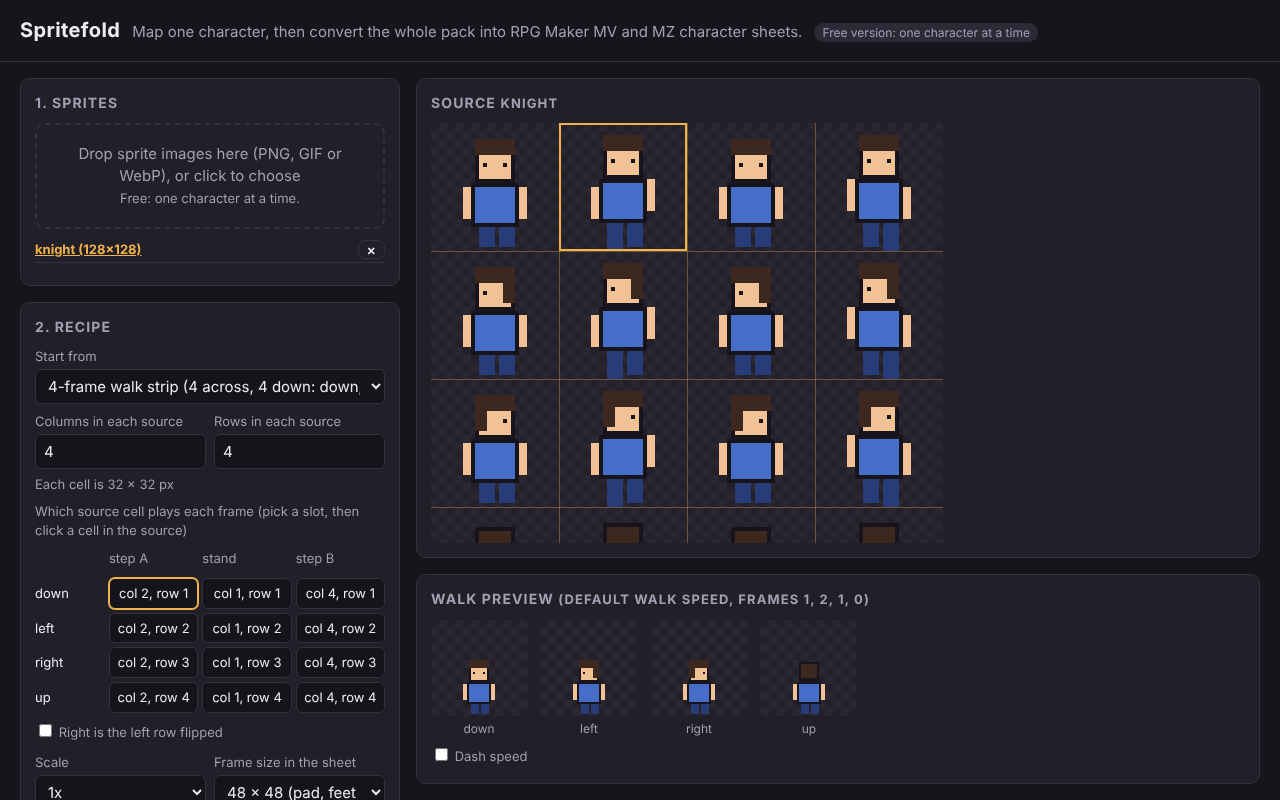
- Pick a starting layout (4-frame walk strips in two row orders, LPC walk rows, RPG Maker order), or set your own grid and click which cell plays each frame.
- Watch the walk preview at the default walk speed, so you see what you'll get in game.
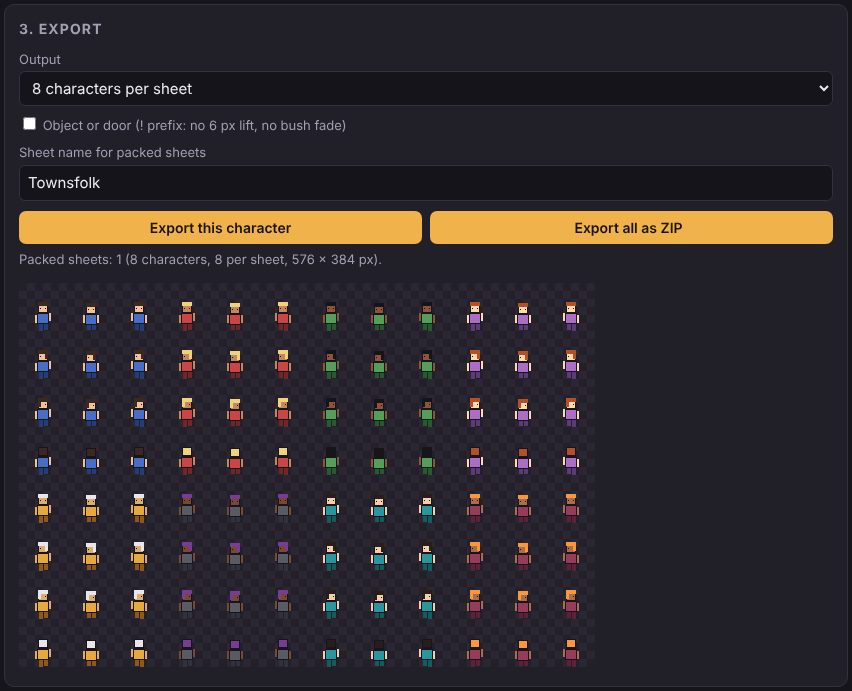
- Export. Free: one character. Full version ($9): every file in the pack with the same recipe, in one ZIP.
Free (in your browser, on this page)
- One character at a time, saved as a single-character sheet ($knight.png)
Full version, $9
A download you open in your browser; works offline, desktop recommended.
- The whole pack at once, as a ZIP: a 40-character pack is one recipe and one click, five sheets
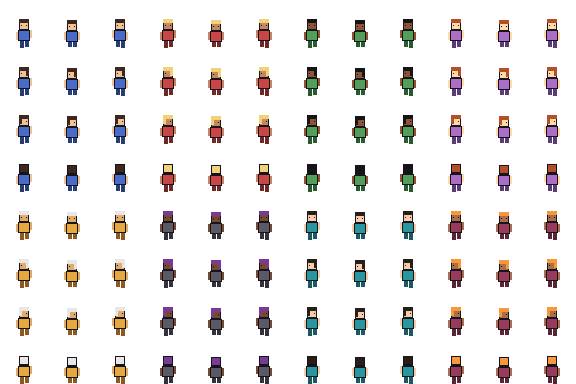
- One sheet per character, or 8 characters per sheet (576 x 384 at 48 px)
- Save the mapping as a recipe and load it next time you buy from the same artist
- Object and door sheets (the ! file prefix)
Details
- Sheets come out the way RPG Maker MV and MZ read them: rows down, left, right, up, with the standing frame in the middle.
- 32 px art: pad it to 48 x 48 (stays crisp, looks smaller next to 48 px tiles) or scale 2x to 64 x 64 (crisp, larger). No uneven scaling like 1.5x, which smears pixels.
- Right can be the left row flipped, for packs that only draw one side.
- Transparent backgrounds stay transparent. PNG, GIF or WebP in; PNG out.
What it doesn't do (yet)
- Side-view battler sheets
- Draw directions or poses your pack doesn't have
- Fix art that isn't on an even grid
Your images never leave your computer: everything runs in the browser.
Converting doesn't change a pack's licence. Check the artist's terms before you edit or ship their sprites, and keep the credits LPC art requires.
Shipping your game to the web or phones? Project Doctor, from the same maker, finds the files that will crash an MZ game there: file names whose capital letters differ from what the game asks for, missing files, and files "Exclude unused files" can leave out.
Need battle effects? Seven packs of ready-made battle animations for MV and MZ (spells, heals, portals, sword slashes, spell bolts, buffs and explosions) are $9.99 for all seven.
Drawing your own battlers in Aseprite? This browser tool doesn't make side-view battler sheets, but Spritefold for Aseprite, a $5 extension from the same maker, does: tag each pose in Aseprite's timeline (Idle, Attack, Hurt and so on) and it saves the battler PNG ready for img/sv_actors.
Spritefold is not made by or affiliated with Gotcha Gotcha Games or Kadokawa. RPG MAKER is a registered trademark or trademark of Gotcha Gotcha Games Inc. The sprites in the screenshots were drawn for this page.
Purchase
In order to download this tool you must purchase it at or above the minimum price of $9 USD. You will get access to the following files:
Development log
Leave a comment
Log in with itch.io to leave a comment.