Palette Batch
Recolor a whole sprite pack without opening every file.
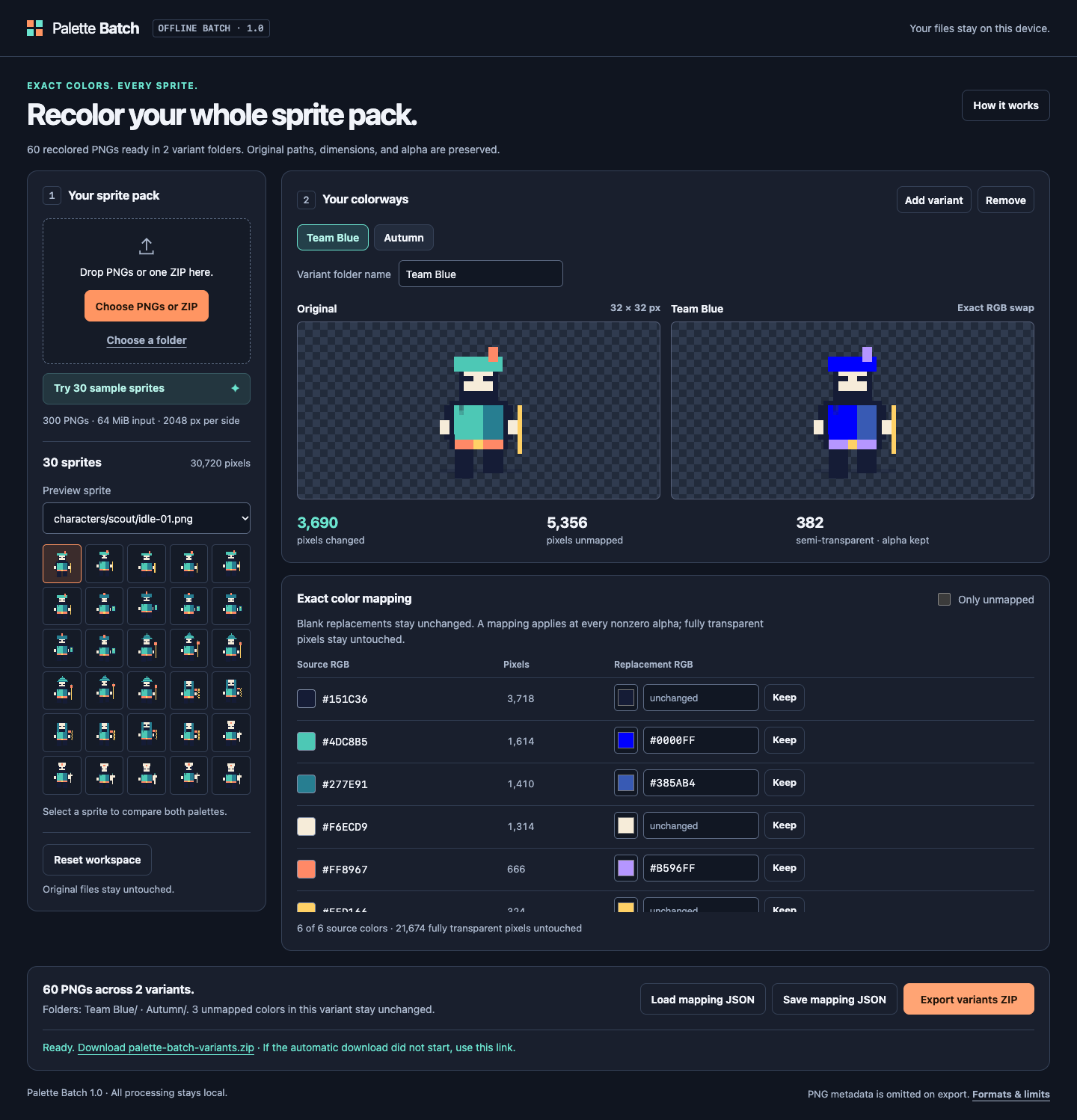
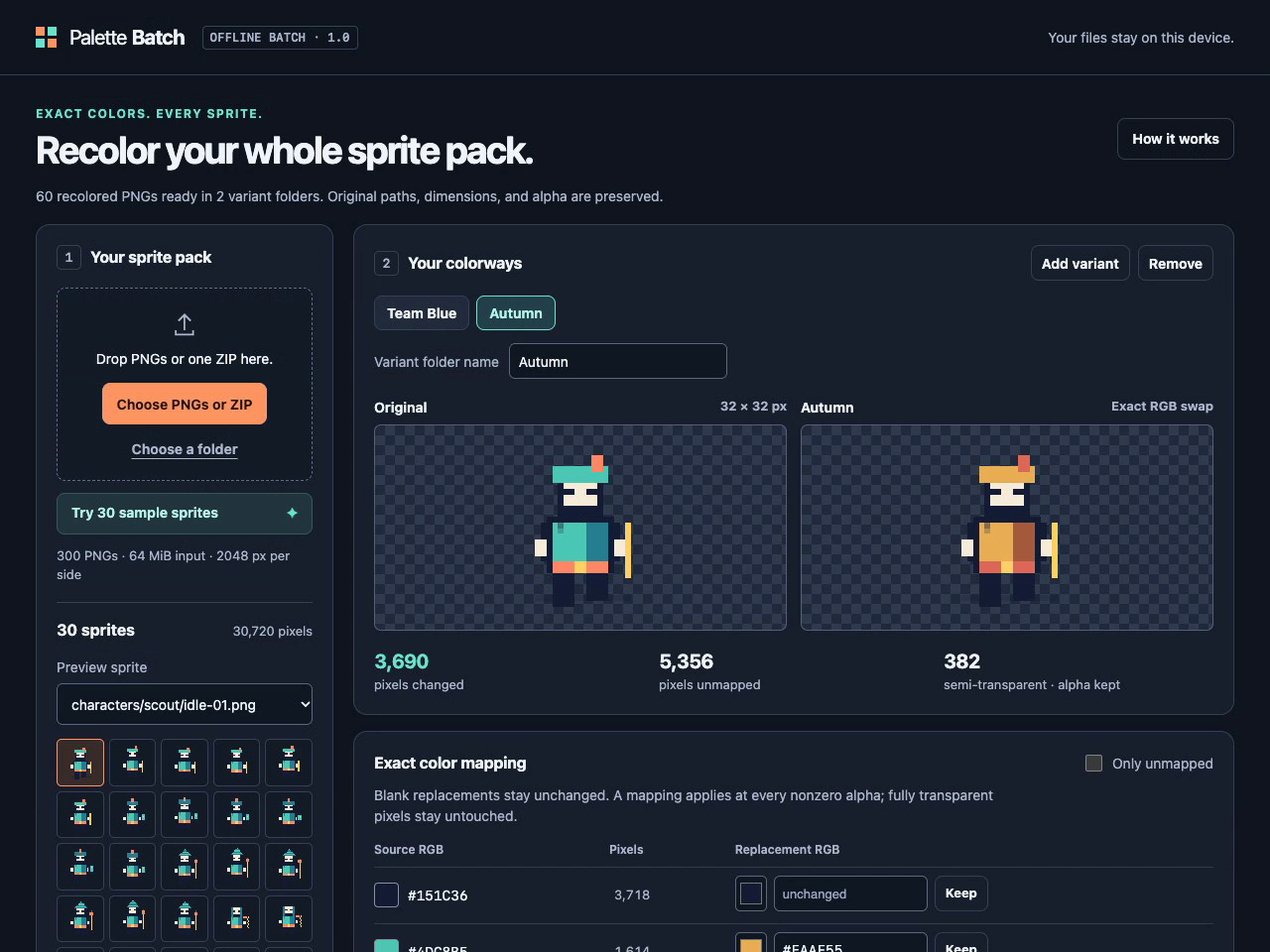
Make team colors, biome variants, or consistent palette corrections from the PNGs you already have. Palette Batch lets you choose exactly which RGB colors change, preview the result, then export every sprite in each named colorway.
- Import multiple PNGs, a folder, or one ZIP. ZIP and folder imports preserve subfolders and original basenames.
- Map source colors to exact replacements. Unmapped colors stay unchanged.
- Preview before/after and inspect unmapped colors before exporting.
- Keep dimensions and every pixel’s alpha, including semi-transparent pixels. Fully transparent pixels stay untouched, including hidden RGB.
- Create up to eight named variants. Export a ZIP with one folder per variant.
- Save and load reusable mapping JSON.
Free single-image demo
Try one PNG, one variant, and a PNG download in your browser. It uses the same pixel-processing core as the batch edition.
Offline batch edition — $5 once
A one-time download you unzip and open in a current desktop browser. No installation, server, account, subscription, or network connection is required. All image processing stays on your device.
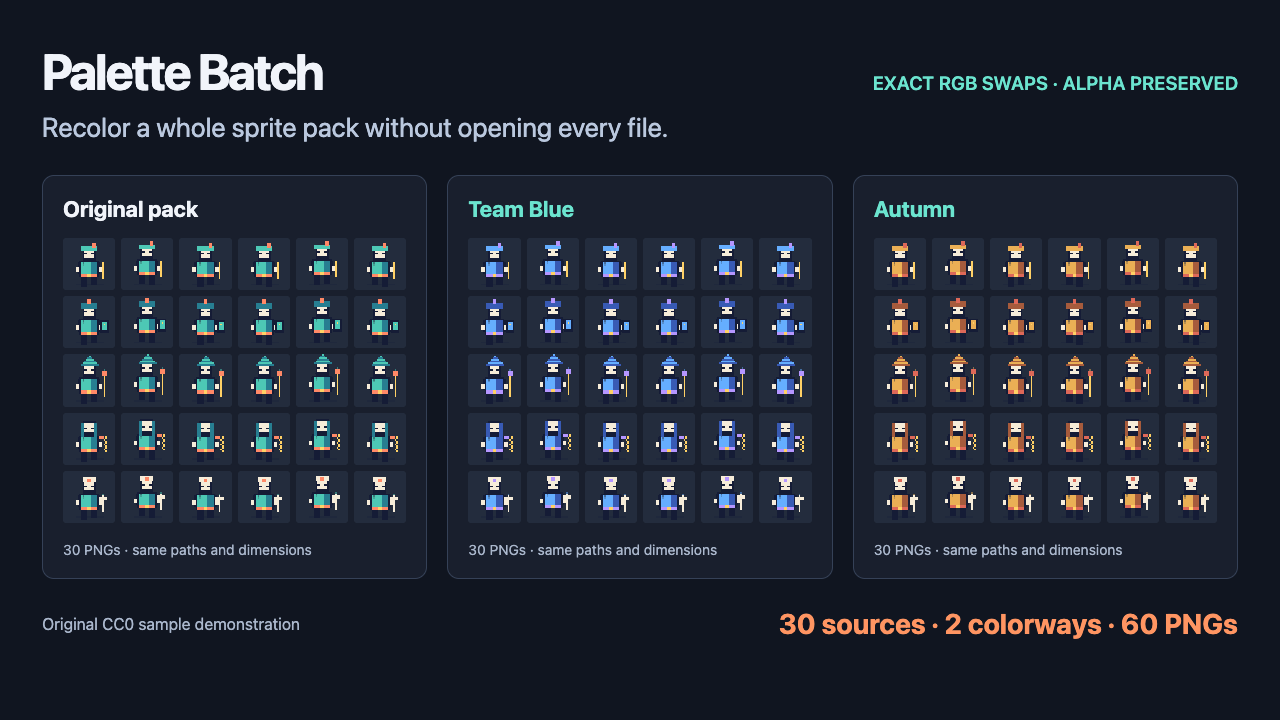
The included original CC0 example has 30 sprites and two colorways. Export it to get 60 PNGs, with the original paths under Team Blue/ and Autumn/. The demonstration shows test assets, not customer work.
Formats and limits
PNGs only. Non-interlaced 8-bit RGB/RGBA/grayscale and indexed/grayscale 1/2/4-bit PNGs are supported. Animated, 16-bit, and interlaced PNGs are rejected. Output is 8-bit RGBA; profiles and other PNG metadata are omitted. Up to 300 PNGs, 64 MiB input, 2048 px per side, 8,388,608 source pixels, and 2048 visible RGB colors. Further ZIP/output limits and instructions are in the download and the app’s help.
The offline edition is intended for desktop browsers. The browser demo works on narrow screens, but mobile file saving and local HTML opening depend on the browser and operating system. Your originals are never modified. You keep the rights to your images and outputs, subject to your asset licenses.
Development used AI-assisted code. Demonstration images are original synthetic CC0 samples.
Purchase
In order to download this tool you must purchase it at or above the minimum price of $5 USD. You will get access to the following files:
Download demo
Development log
Leave a comment
Log in with itch.io to leave a comment.